Settings
The settings page allows you to configure various aspects of SourceMaster.
Networking
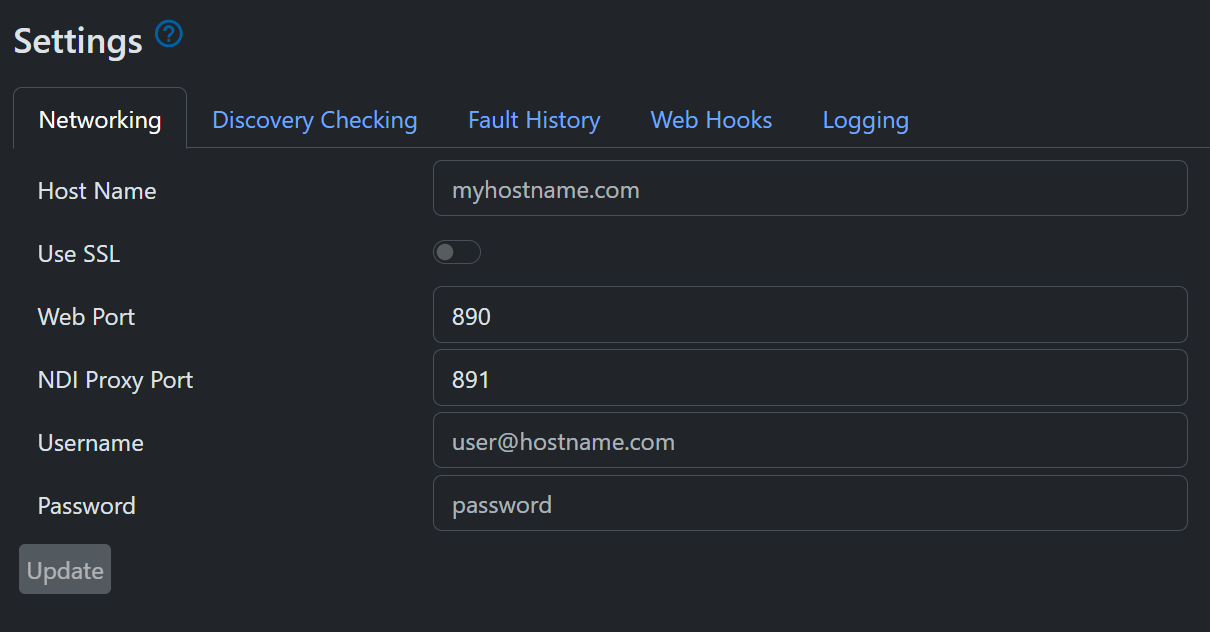
These options control how the web interface of SourceMaster is accessed.
- Host Name: This determines the hostname used in URLs to access the web interface. If left blank, the primary IP address of the machine will be used
- Use SSL: This determines whether the web interface is accessed over HTTPS. If enabled, a valid SSL certificate must be configured.
- Web Port: The port used to access the web interface.
- NDI Proxy Port: The port used for connections to the NDI Proxy server, which can deliver video thumbnails and streams over websockets.
- Username and Password: The credentials required to log in to the web interface. If left blank, no authentication will be required. Be aware the SourceMaster uses HTTP Basic Authentication, which is not secure unless used in conjunction with SSL.
Be aware that changing the Host Name, port or SSL settings may cause you to lose access to the web interface until you update your URL or configure SSL correctly.
Discovery Servers
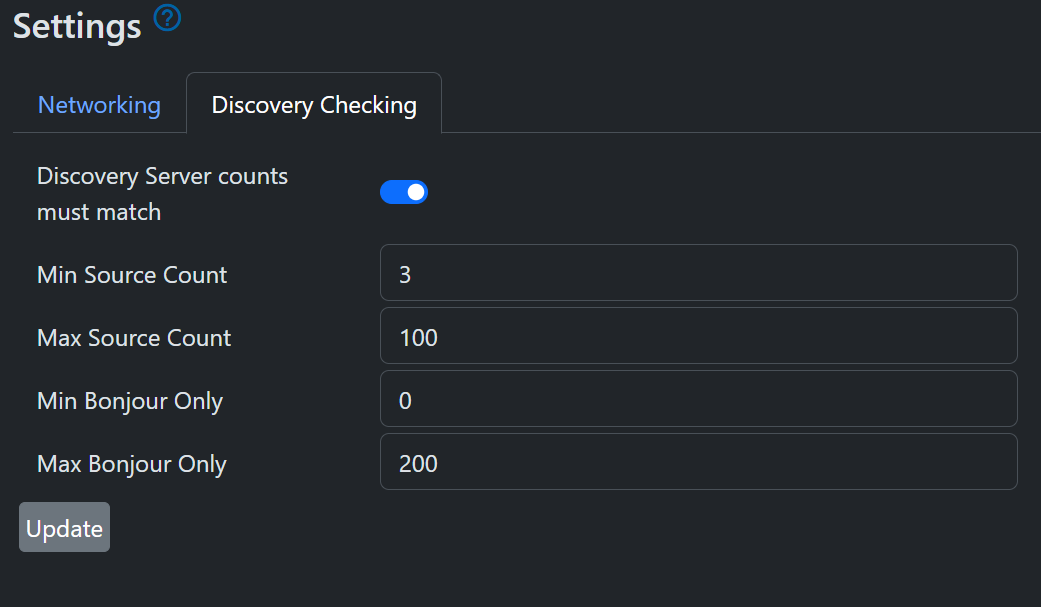
Here you can set limits on the number of expected NDI sources for Discovery Servers and mDNS. This allows SourceMaster to detect if NDI sources have failed, or if new unauthorised sources have appeared on the network.
Note
You should use NDI Access Manager on the SourceMaster machine to set the IP addresses of discovery servers to use.
Fault History
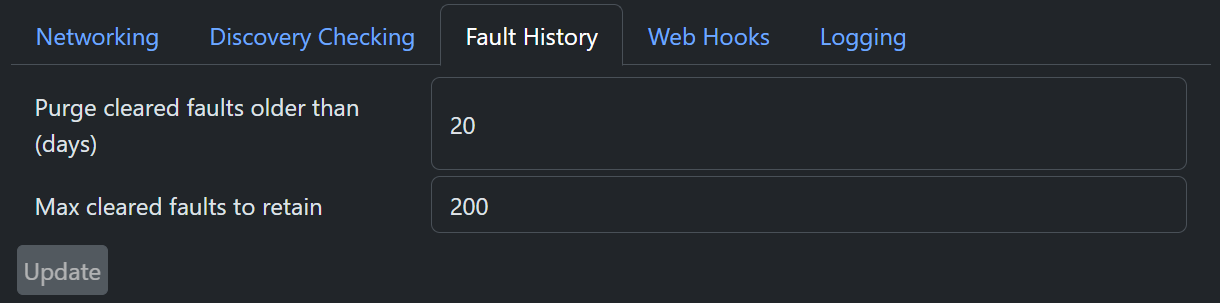
You can control how long records of cleared faults are kept, or specify a maximum number of cleared faults to keep. This prevents the database from growing indefinitely. Setting these values to zero will keep all cleared faults indefinitely.
Web Hooks
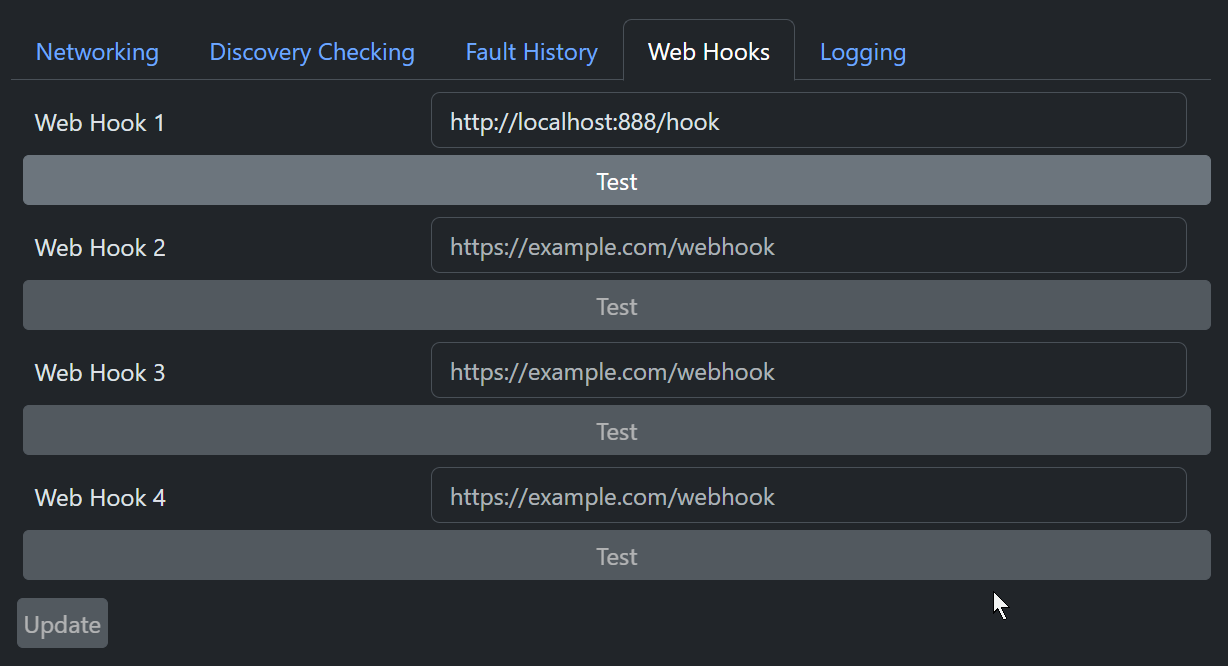
SourceMaster's Web Hooks allow you to send notifications to external services when certain events occur, such as a fault being raised or cleared. You can configure up to four URLs to receive notifications. When an event occurs, SourceMaster will send an HTTP POST request to each URL with a JSON payload. The Test buttons allow you to send a test notification to each URL to verify that they are working correctly.
Logging
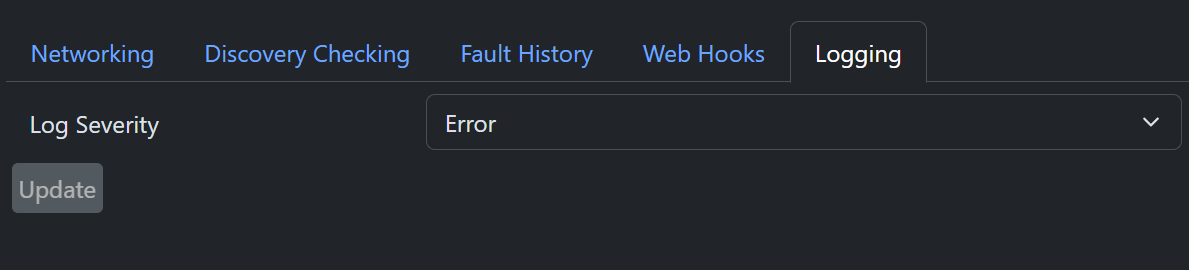
Finally, the Logging tab allows you to set the logging level for SourceMaster. This defaults to "Error" but can be increased to Debug or Verbose for troubleshooting.