SourceMaster integrates directly with RouteMaster VR systems, and can track their status, generating faults when they are not working as expected.
Note
RouteMaster integration features require the latest beta versions of RouteMaster to be installed. Attempting to use this with older versions may cause RouteMaster to become unresponsive! Please ensure you are running the latest beta version of RouteMaster before enabling this.
Features
Fault monitoring
SourceMaster monitors the status of RouteMaster systems,and raises faults as necessary. High Availability systems are supported.

Router Inputs and Outputs
SourceMaster can track which NDI sources are assigned as inputs to RouteMaster, and which sources are created as RouteMaster outputs. These can be seen in separate tabs in the NDI Sources view.

Label transfer
For NDI sources attached to router inputs, or those created as router outputs, SourceMaster will display the labels defined in RouteMaster. These can not be edited in SourceMaster.
Source Fault reporting
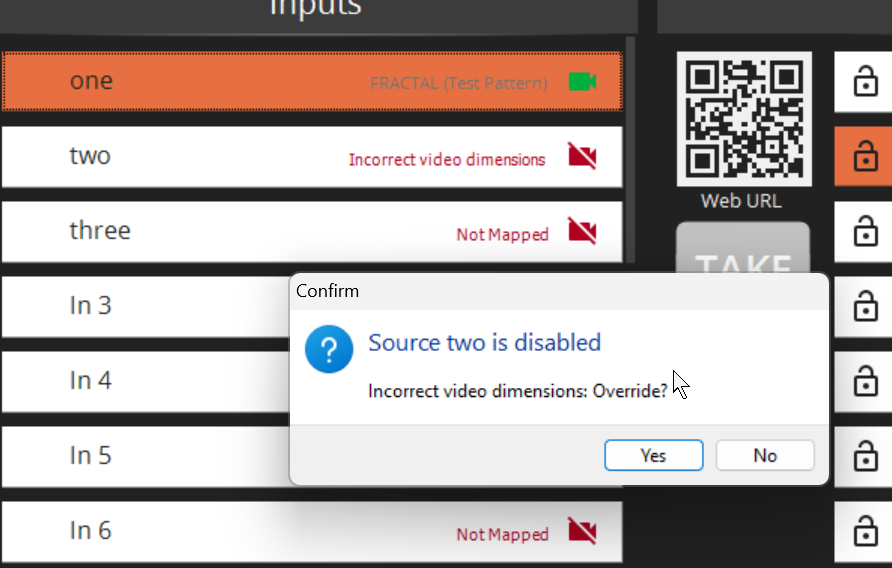
RouteMaster can read source fault information from SourceMaster, and forward this to any connected clients via the RouteMaster Websocket API. Clients can use this information to warn operators if they are attempting to route a source with an active fault.
Configuration in SourceMaster
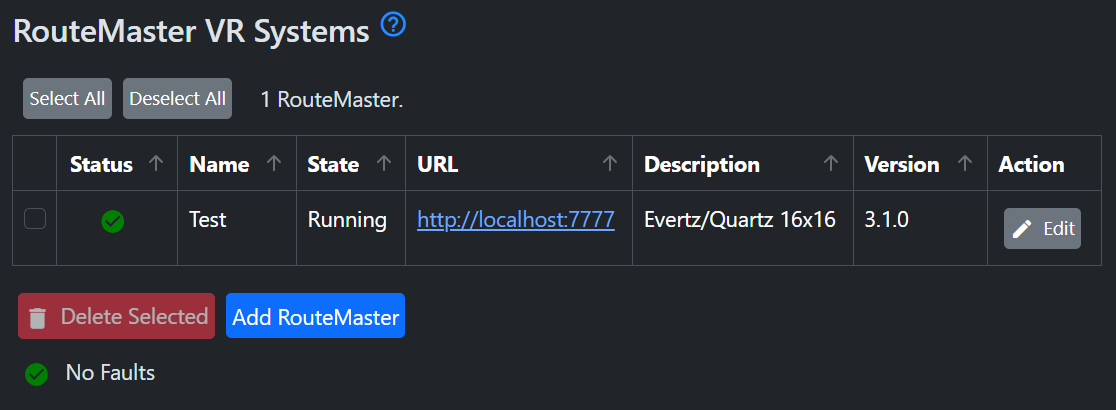
To add a RouteMaster system, click the "Add" button, then enter the URL of the RouteMaster system's configuration API, which will typically use port 7777 if you're running RouteMaster as a Windows service. (Alternatively, you can enter the port number used for the RouteMaster Web UI.)
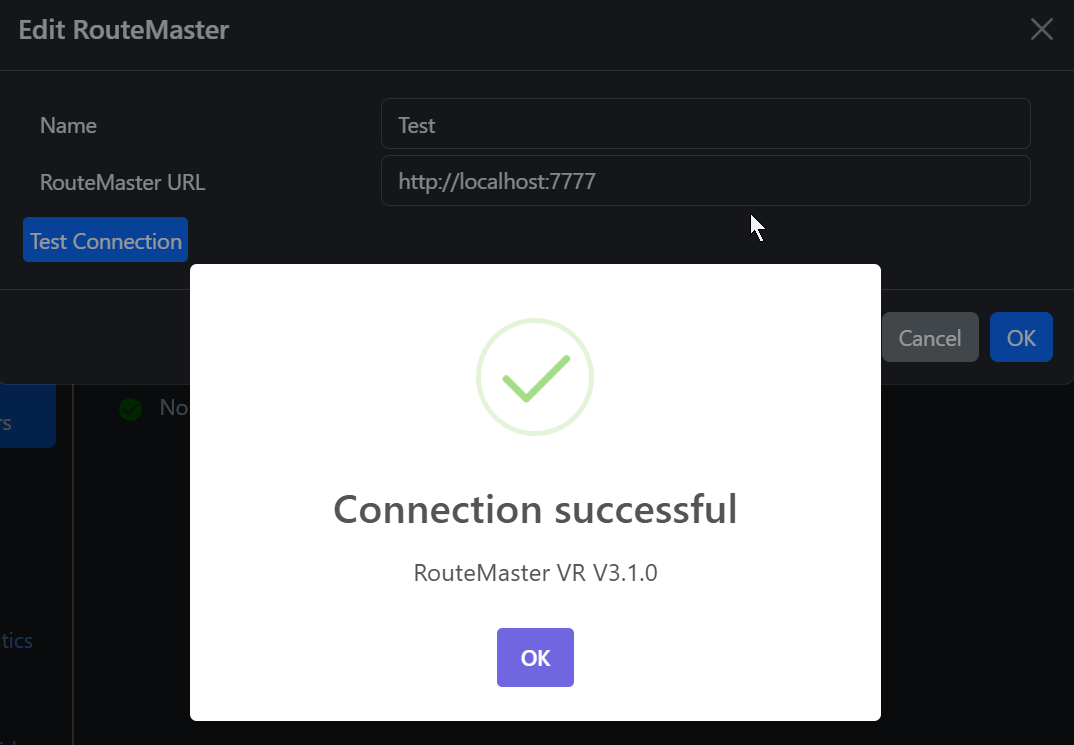
The "Test" button allows you to check the connection.
Configuration in RouteMaster
To enable RouteMaster to monitor faults detected by SourceMaster, you must enter the SourceMaster URL in the NDI Router configration page via the web UI, save the settings, then restart the RouteMaster system.
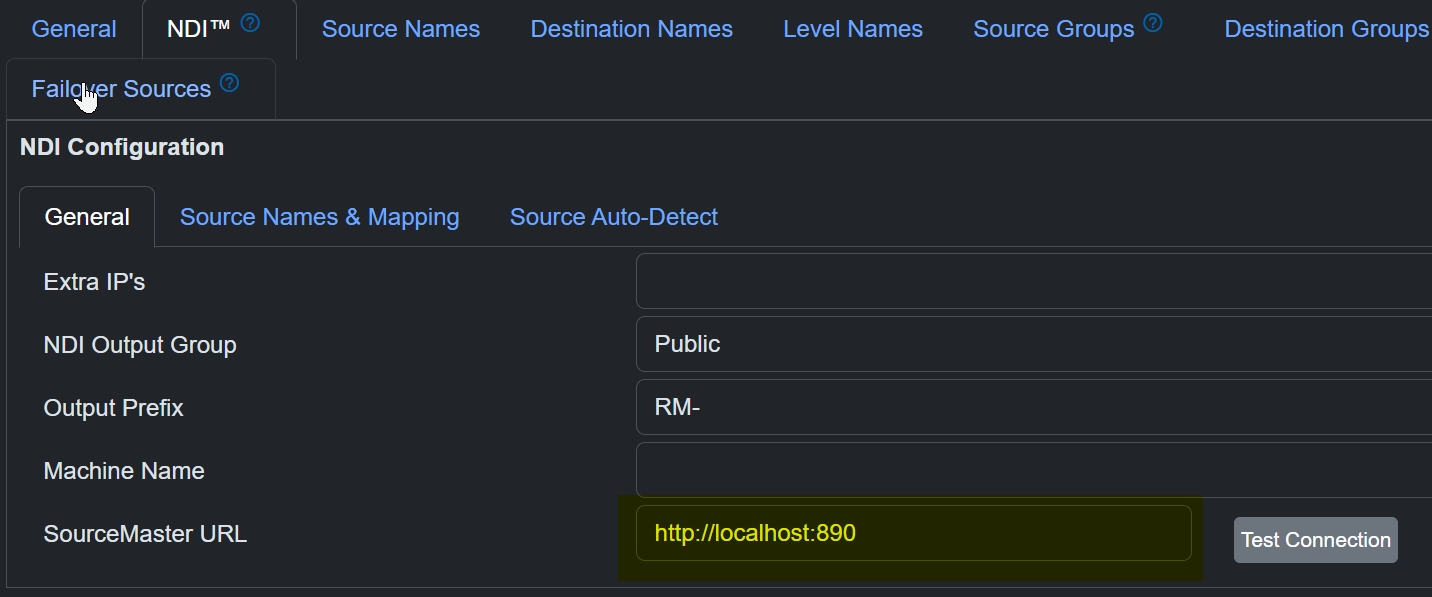
The port number should be the same as SourceMaster Web UI, typically 890. Again, the "Test" button can be used to check the connection.